
Overview
In my first semester of University we had a course on functional
programming where we learnt haskell. We were all challenged to
write a haskell program that produced an image, with the added
challenge of making it interactive. For this challenge I partnered
with two friends to make a 3D version of Conway's Game of Life, my
friends worked on the Game of Life code while I worked on the
rendering code. I decided that I didn't want to use the in built
3D renderer in OpenGL (GLUT) as I wanted to learn more about
rendering algorithms.
Note: The gif to the right (or above) is sped up to make it
shorter, the real program runs slower.
First steps
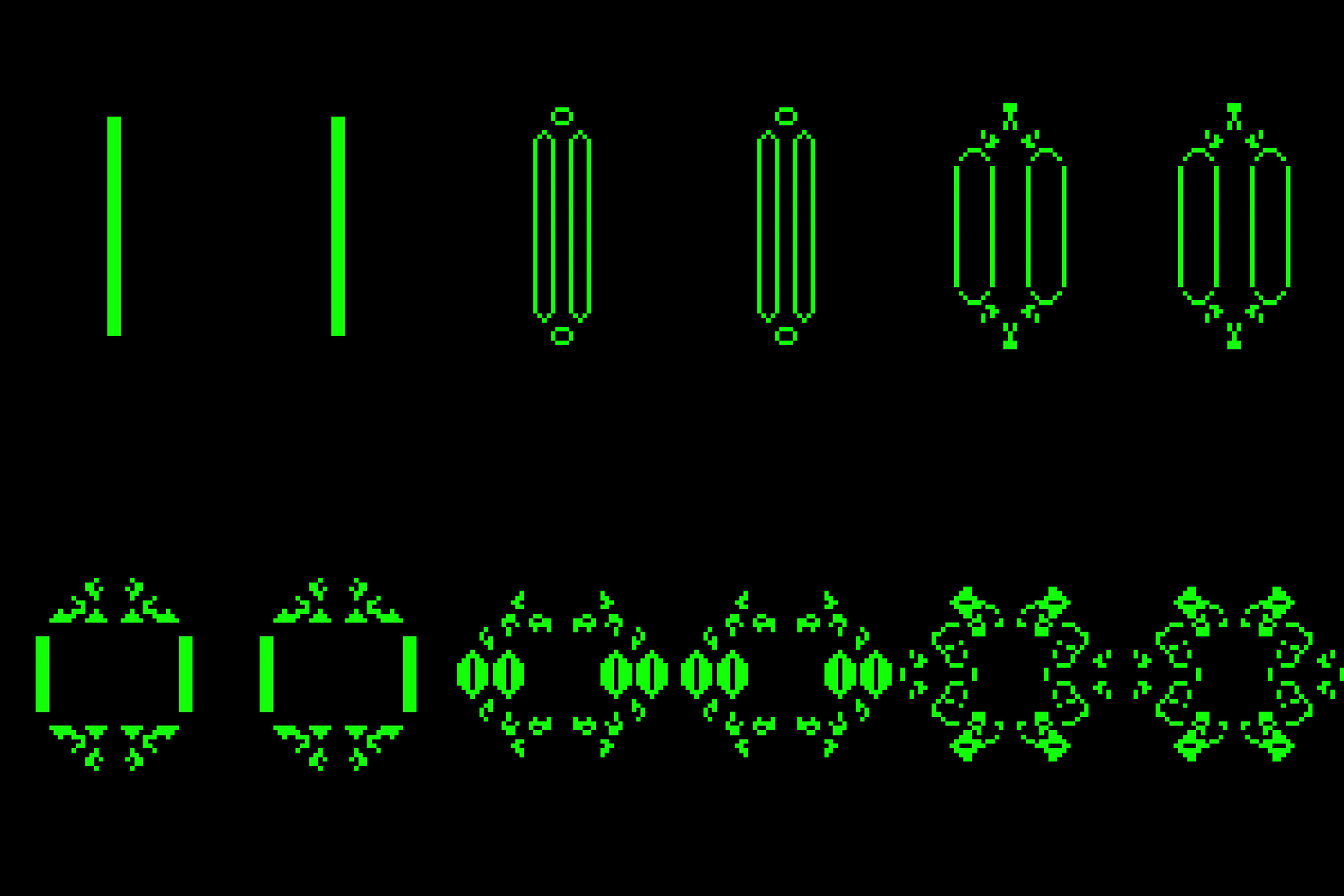
The first stage of development was simply to try and get to grips
with The graphics library. To do this I decided that I would write
code that would take in a 2D Game of Life world and display that.
I used this to learn how to shapes to the screen and learn about
how openGL's callbacks and structure worked (display callback,
reshape callback, keyboard and mouse callback, idle callback and
the mainloop) along with OpenGL's buffers. I also started to learn
about IORef from haskell, which honestly I still don't fully
understand.
All of this code can be found in the Rendering2D.hs file.
To The Renderer
The first stage of making the rendering engine was to take in a
series of points that represented the centers of each alive cell,
turn them into cubes and draw the corners onto the screen.
This was the hardest part of the projects as I had never learnt
about rendering before so I had to wrap my head around the maths.
I also decided to make the cubes rotate to make it easier to for
the eye to 'pick out' the cubes, this functionality was then used
for keyboard controls to "move around the environment" (the
quotation marks will make sense later).
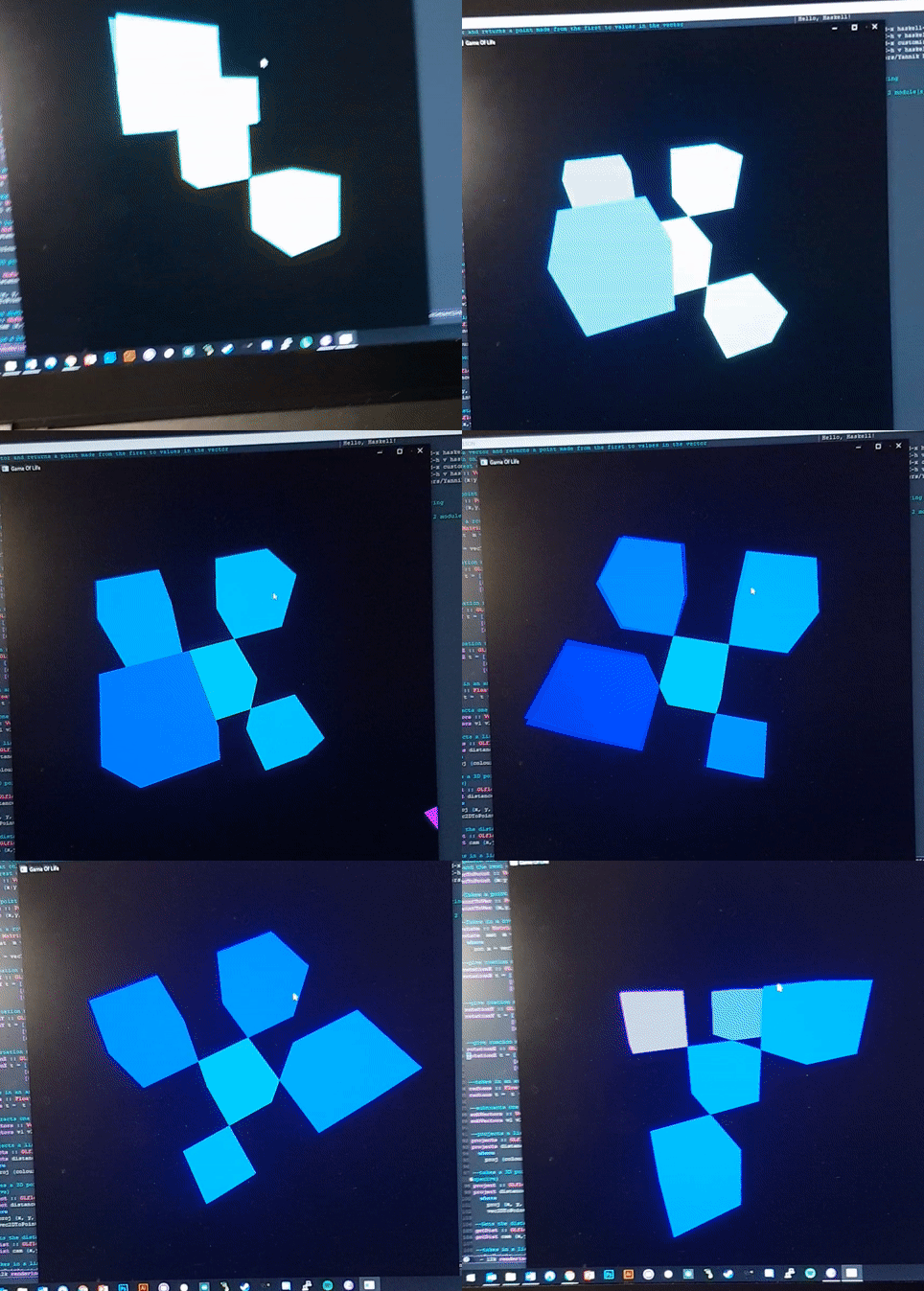
The next stage was to draw the faces of the cubes, as I knew I
would only be drawing cubes in this renderer I decided to simplify
this job by drawing each face as a quad rather than two triangles
as would be done with proper renderers. I was at this time aswell
that I implemented movement control from the keyboard. The colours
of the eacg cube was determined using its location.
At this stage I was able to start taking in acutal Game of Life
generations and displaying them. I implemented a timer into the
idle callback to control progressing through the generations of
the Game of Life.
Issues
Once I did this I ran into a three main problems:
- Cubes were being drawn over other cubes that were meant to be infront of them.
- If any Cubes were behind the camera, stange artifacting was occuring.
- The renderer ran very VERY slowly.
- My solution to the first problem was to order all of the (center) points by distance to the camera (which was locked to point (0,0,0)).
- My solution to the second problem was to lock the camera looking in the positive direction, move and rotate the environment instead of the camera and to discard any and all (center) points that would be behind the camera (this would aid in problem 3 too).
- My further solution to the third problem was to throw the 3 faces of all cubes that would never be seen by the camera.
There was an alternative solution to the speed issue which invovled moving and rotating the camera instead of the environment. I implemented this camera's projection matrix and found the render's speed increased significantly. The issue with this method was the problem of removing cubes that were behind the camera became a lot more complex, and I would nobe able to solve it within the alloted time so sadly I had to abandon this solution.